Bhopal and Gwalior coaching apps: enrolment and access
Plan a coaching app around batches, lesson access, renewals and account recovery.
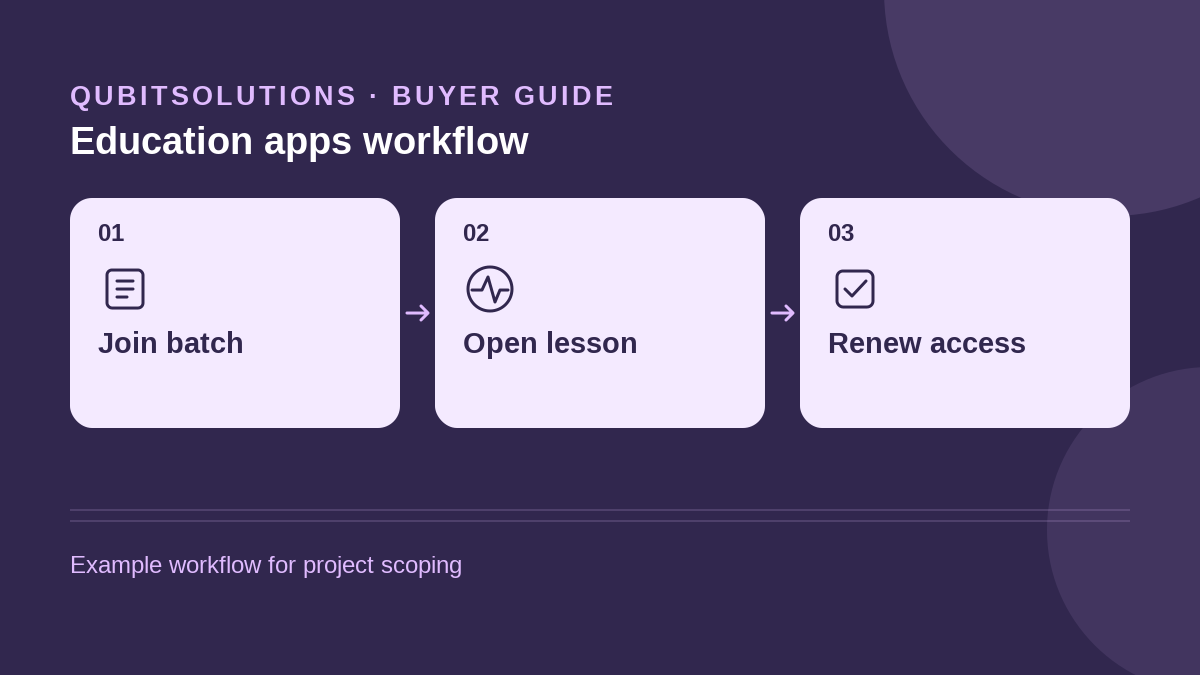
Coaching centres can start an app with a small number of jobs: enrol a learner, show the lessons their batch can access and help them recover access if they change devices. The centre’s staff workflow matters as much as the student screen, particularly when people pay through different channels.
Model access around the enrolment
Store the course, batch, start and end date, payment reference and access state. Decide how to handle a batch transfer, a pause or an extension. Keep the original transaction and record a separate authorised adjustment so staff can explain changes to the learner.
Decide what works on low data
Provide a choice of playback quality and make progress sync forgiving after a disconnect. Define whether downloaded lessons are permitted and how expiry applies. Separate the lesson content from payment screens so a provider outage does not prevent an already enrolled learner from reaching their material.
Test a renewal and a device change
Use two dummy learners in different batches. Renew one on a new phone, restore their progress and verify that the other learner’s lessons stay private. Run a late payment callback after an access expiry and check that a repeated callback does not add extra days. Give staff a receipt lookup and a manual escalation path.
See our mobile app development service or share your project brief with QubitSolutions. We plan the scope, review progress and support handover with your business team.
Define the first release with the operating team
For coaching apps serving Bhopal and Gwalior, map enrolment to the course and batch access a learner receives. Decide how the application handles a transfer, expired access and a staff-approved extension. Teachers and administrators may need different reports and editing permissions. Use a representative course with actual lesson formats and one assessment to test the whole journey. The first release should let staff identify the learner's entitlement and the reason for a restriction without depending on a developer to inspect the database.
Inputs to bring to the project discussion
- The course and learner group included in the pilot
- Enrolment and access duration rules
- Lesson formats and content-hosting responsibilities
- Assessment and completion requirements
- Instructor and administrator tasks
- Pilot feedback and acceptance criteria
Acceptance examples for the pilot
- Enrol a learner and open the intended first lesson.
- Return to an unfinished lesson on the agreed device types.
- Attempt an assessment again under the approved rules.
- Expire a learner's access and review the staff support route.
Agree the starting information and expected result for each test with the staff who perform the work. Record the owner of each unresolved question, the provider access still required and the evidence needed for acceptance. Include the workflow for correcting an approved record as well as the normal submission path.
For a detailed planning checklist, read our custom lms pilot planning guide. Use those requirements and your own operating examples when you request a project estimate.
- Bhopal and Gwalior
- Education apps