Faridabad factory inspection apps: work offline safely
Plan a mobile inspection app for line teams with offline drafts, photo uploads and supervisor review.
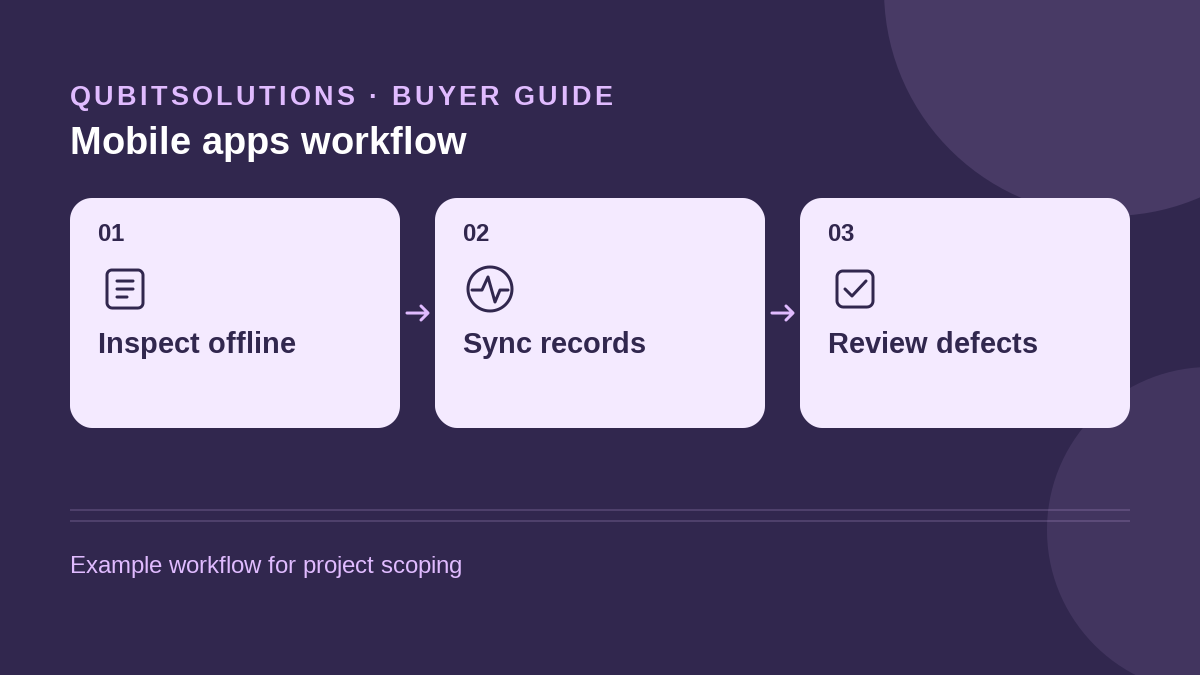
An inspection app should keep working when a phone loses signal on the factory floor. If a Faridabad buyer needs checklists and photos, agree how the app stores drafts, resumes upload and shows which defects the supervisor can already see.
Attach the checklist version to each result
Use a job or asset identifier and store the checklist version with the inspection. An operator finishing an old form should be able to submit it even after a newer version is released, subject to the business rule you agree. Keep allowed ranges and a units label alongside numeric readings.
Show the difference between saved and sent
Give each inspection a unique client-generated ID. Use separate states for saved locally, waiting to sync and accepted by the server. Retry interrupted photo uploads independently of the completed checklist. Provide a supervisor view for inspections with missing evidence and a way to flag devices that haven’t synced since shift start.
Test with the worst connection you expect
Open a job, switch off connectivity and record two checks. Restart the phone before reconnecting. Once back online, verify that the same draft is still available and appears only once in the review queue. Try a duplicate scan and a photo upload that fails halfway through. Agree what operators do if a shared device is lost or replaced.
See our mobile app development service or share your project brief with QubitSolutions. We plan the scope, review progress and support handover with your business team.
Define the first release with the operating team
For a factory inspection app in Faridabad, use a representative inspection to define the fields and evidence needed. An equipment identifier, inspection result and photograph should remain connected when the device is offline. Decide which information an inspector can correct locally and what needs a supervisor's review after submission. The app should make pending uploads visible. Include an inspection with a failed check, a repeated upload and a later reinspection so the receiving team can trace the history of that item.
Inputs to bring to the project discussion
- The tasks available without connectivity
- Data stored on the device
- Record identifiers and update ownership
- Upload queue and retry behaviour
- Conflicting edit rules
- Staff visibility of pending and failed synchronisation
Acceptance examples for the pilot
- Create a record offline and restart the app.
- Interrupt a large attachment upload.
- Edit the same server record from two authorised devices.
- Reconnect after a long period and review queued submissions.
Agree the starting information and expected result for each test with the staff who perform the work. Record the owner of each unresolved question, the provider access still required and the evidence needed for acceptance. Include the workflow for correcting an approved record as well as the normal submission path.
For a detailed planning checklist, read our offline mobile app synchronisation guide. Use those requirements and your own operating examples when you request a project estimate.
- Faridabad
- Mobile apps