Kanpur exporter websites: a catalogue buyers can quote
Build an exporter catalogue around variants, minimum quantities, samples and enquiries.
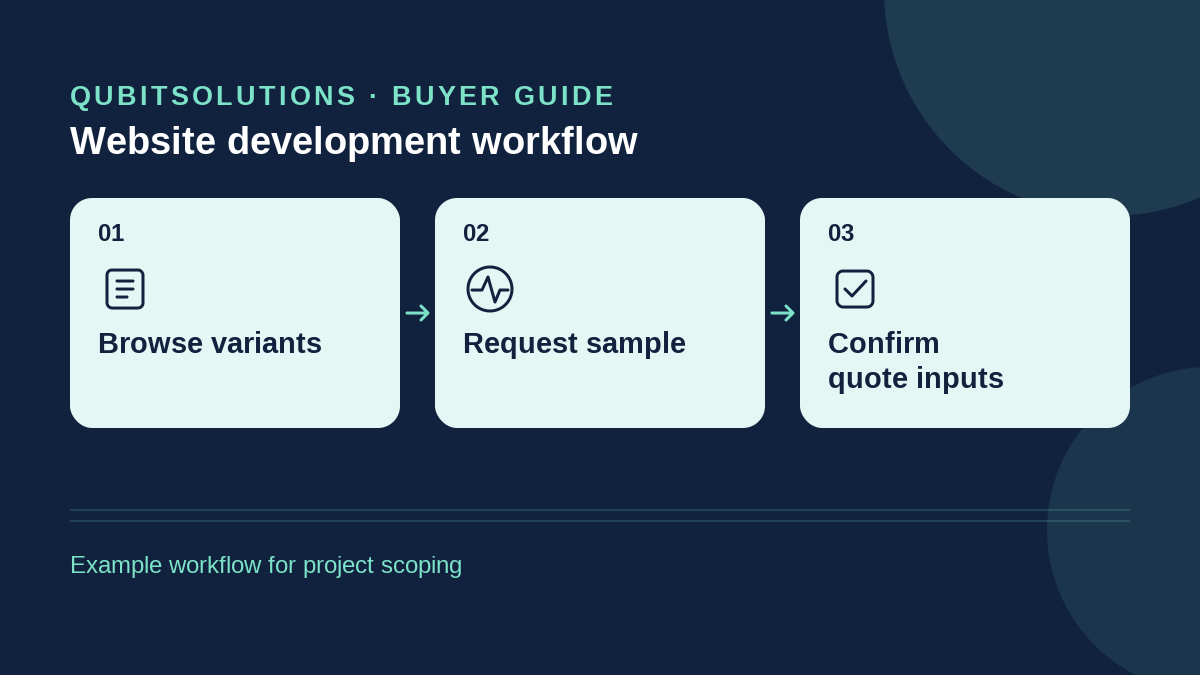
An export catalogue helps when overseas buyers can describe exactly what they want. For a Kanpur supplier, start with product families, actual options and a way to ask for samples. Ask the sales team which three questions are repeated before it can prepare a quotation.
Give variants structure
Store dimensions, material, finish and packaging as separate fields. Add a reference code beside each photo so a buyer can share the correct option internally. If you list minimum order quantities or lead times, assign an owner to update them and mark which options require confirmation. Publish only certifications you can substantiate.
Capture quote inputs without a long form
Use country, quantity, product reference and desired sample or production timeline. Request technical files only where needed. Allow the buyer to add two variants to a single enquiry and show a preview before sending. Keep the product record and requested quantity together so the team doesn’t have to reconcile them by email.
Check how a new market sees the catalogue
Ask someone unfamiliar with your inventory to locate a variant and send a sample request. Compare the form output with a real sales quotation. Ensure units are clear, time zones are labelled on any promised callback window and international buyers can enter their own phone formats. Review enquiry quality by how often staff can reply without asking for missing basics.
See our website development service or share your project brief with QubitSolutions. We plan the scope, review progress and support handover with your business team.
Define the first release with the operating team
For an exporter catalogue in Kanpur, prepare product information in the form an overseas buyer can use to request a quotation. Agree the specification units, variant references, pack information and approved documents. The enquiry should retain those references alongside the buyer's quantities and requirements. Decide who reviews a request that asks for a custom finish or specification. Test the catalogue with sample products whose similar names could cause a mistaken selection, then ask the sales team whether the resulting enquiry contains enough information to respond.
Inputs to bring to the project discussion
- Product families and stable item identifiers
- Specifications, units and variant rules
- Approved drawings and datasheets
- Search and filter attributes
- RFQ fields and attachment requirements
- Content approval and revision ownership
Acceptance examples for the pilot
- Find a product using a specification filter.
- Replace a datasheet and review the public download.
- Submit an RFQ for a specific variant.
- Change a product description without breaking its enquiry reference.
Agree the starting information and expected result for each test with the staff who perform the work. Record the owner of each unresolved question, the provider access still required and the evidence needed for acceptance. Include the workflow for correcting an approved record as well as the normal submission path.
For a detailed planning checklist, read our manufacturing catalogue website planning guide. Use those requirements and your own operating examples when you request a project estimate.
- Kanpur
- Website development