Lucknow admission websites: applications and status
Build an admissions website that explains requirements, captures applications and handles incomplete records.
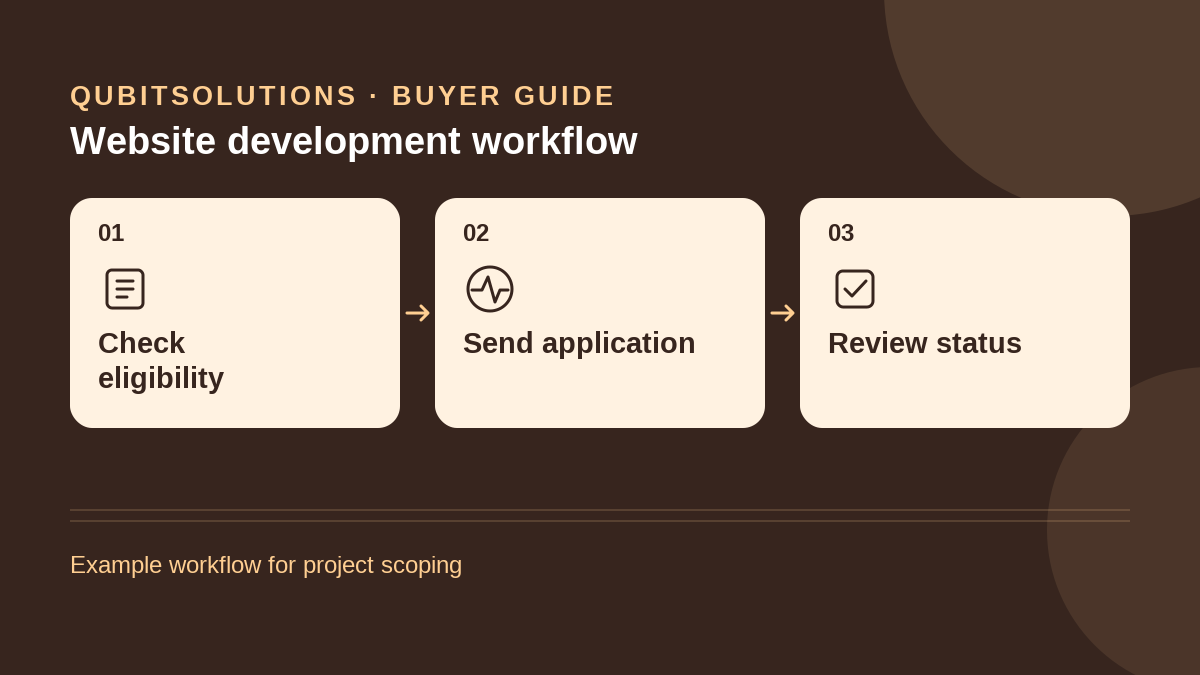
An admissions website can reduce calls if a parent or applicant can understand the next step without asking the front desk. A Lucknow school or institute can start with programme information, a simple form, an acknowledgement and a way for staff to review incomplete applications.
Plan one page per application decision
Explain the programme, eligibility, dates, required documents and the responsible contact. Keep application deadlines in a field staff can update rather than embedding dates in several banners. Show a clear route when applications are closed or a programme has no remaining seats.
Separate public information from applicant data
Collect only what the office needs at this stage. If documents are needed later, give applicants a controlled upload route linked to their reference. Avoid emailing private documents as a routine notification. Agree how long incomplete applications are retained and who can see or correct them.
Test the application as an applicant and as staff
Send an incomplete form on a mid-range phone. Check that validation keeps usable fields intact. Submit twice with the same identifier, then check that staff can distinguish a retry from a separate application. Test that the acknowledgement includes a reference and the next step. Train staff using a dummy record before opening the public form.
See our website development service or share your project brief with QubitSolutions. We plan the scope, review progress and support handover with your business team.
Define the first release with the operating team
For an admissions website in Lucknow, agree how an application changes from received to reviewed and what the applicant sees at each stage. Public guidance, private application records and staff decisions need clear owners. Ask the admissions team to approve the wording for missing documents, corrections and next steps. A status page should help the applicant understand the action expected of them. Use sample applications with complete and incomplete information to test acknowledgements, staff assignment and the route for a personal enquiry.
Inputs to bring to the project discussion
- The approved admissions steps and dates
- Programme or class information required by applicants
- Application and enquiry form fields
- Acknowledgement and review responsibilities
- Document publication and update owners
- The process for retiring outdated notices
Acceptance examples for the pilot
- Find the current admissions information on a phone.
- Submit an incomplete enquiry and review validation.
- Confirm the acknowledgement reaches the intended test destination.
- Retire an old notice without making a current document difficult to find.
Agree the starting information and expected result for each test with the staff who perform the work. Record the owner of each unresolved question, the provider access still required and the evidence needed for acceptance. Include the workflow for correcting an approved record as well as the normal submission path.
For a detailed planning checklist, read our school admissions website planning guide. Use those requirements and your own operating examples when you request a project estimate.
- Lucknow
- Website development