Southeast Asia appointment web apps: localisation checklist
Scope a regional booking portal around service languages, local schedules and rescheduling rules.
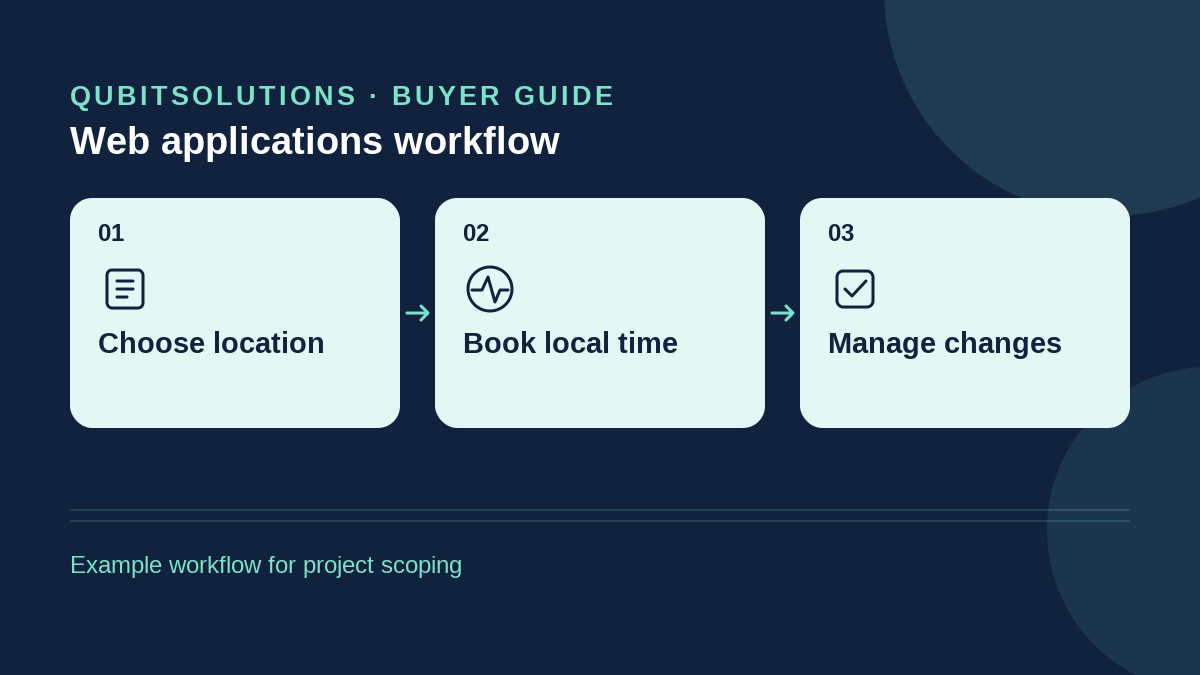
If a service business plans an appointment portal across Southeast Asian markets, the first release should handle time and location reliably. A sensible test is whether someone travelling can book a slot for a different city and understand which local time is on their confirmation.
Store a schedule for every service location
Define opening hours, holidays, staff availability and how long a slot can be held. Show the service location and its time zone in confirmation messages. Decide how people can reschedule and which changes require staff approval. Keep market-specific rules in settings that authorised staff can edit.
Localise the part that completes the booking
Translate the form labels, cancellation terms and appointment reminders as well as the public service pages. Test address and phone inputs with sample records from each launch market. Ask the market owner to review what a translated customer actually sees, including error messages.
Test bookings from a different time zone
Book from a phone configured to another city, move the slot and confirm both staff and customer see the same appointment. Simulate two users trying to book the last slot, then test what happens to a hold after a slow confirmation. Check that a cancelled appointment frees capacity once and that receipts reference the correct location.
See our web application development service or share your project brief with QubitSolutions. We plan the scope, review progress and support handover with your business team.
Define the first release with the operating team
For appointment applications serving several Southeast Asian markets, confirm the actual languages, displayed time zones and contact formats in the release. A slot shown to a customer needs to match the calendar used by the staff who deliver the service. Review the whole journey, including confirmation messages and rescheduling. Use sample appointments around a date change and a staff schedule update. Decide who owns translated content and availability information so the application remains understandable when the business adds another location or service.
Inputs to bring to the project discussion
- Class types, locations and session capacity
- Instructor availability and schedule ownership
- Member access or package rules
- Booking and waiting-list behaviour
- Cancellation and rescheduling procedures
- Staff notifications and attendance records
Acceptance examples for the pilot
- Book the last available place in a class.
- Attempt a booking from an account without the required entitlement.
- Cancel a class that already has confirmed members.
- Move a customer from a waiting list using the approved rule.
Agree the starting information and expected result for each test with the staff who perform the work. Record the owner of each unresolved question, the provider access still required and the evidence needed for acceptance. Include the workflow for correcting an approved record as well as the normal submission path.
For a detailed planning checklist, read our yoga class booking app requirements guide. Use those requirements and your own operating examples when you request a project estimate.
- Kuala Lumpur, Bangkok, Jakarta, Manila and Ho Chi Minh City
- Web applications